
Edgework
Subject Lines
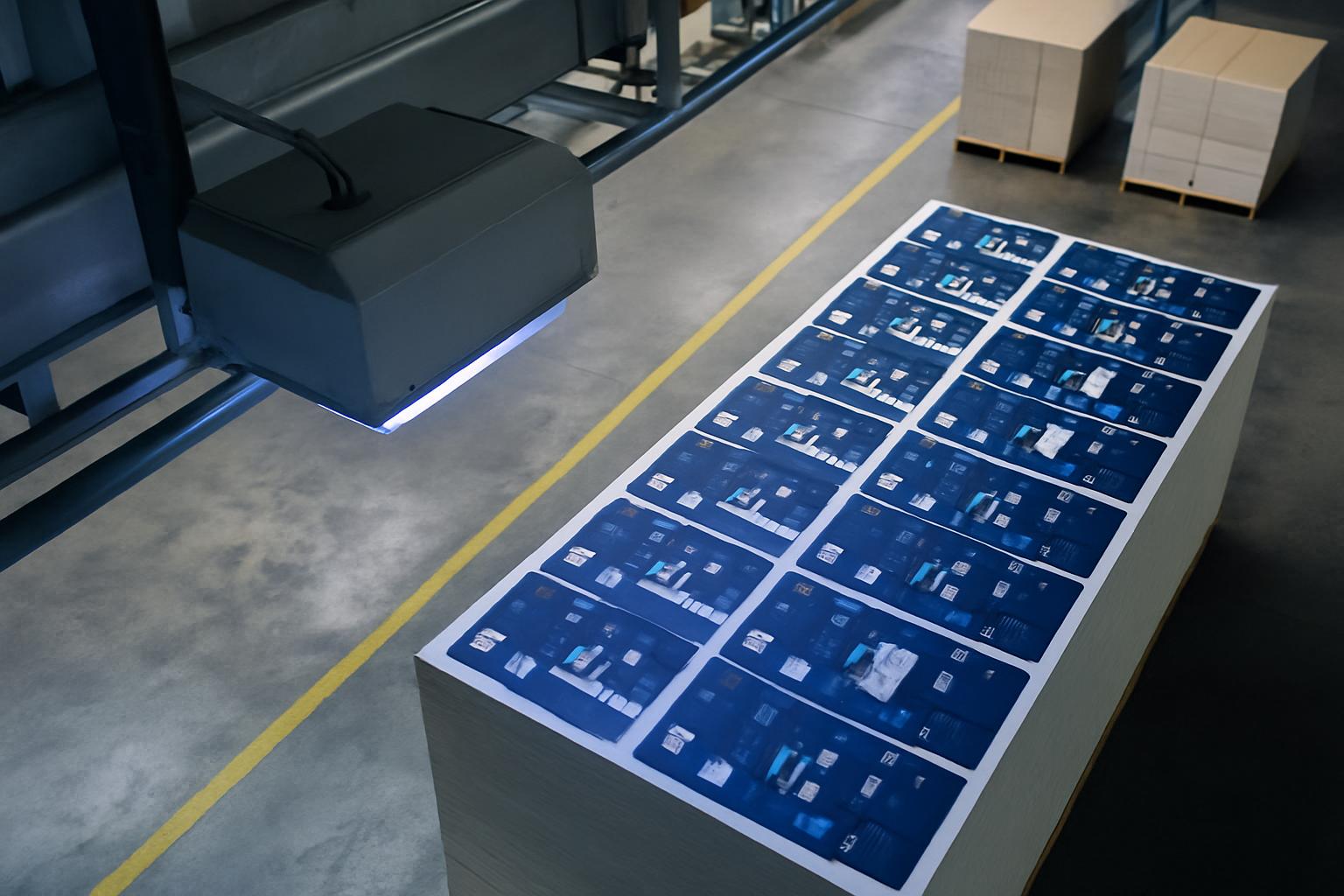
A practical floor note on email subject lines that actually identify the cell, job and issue.
Small admin gaps create big workshop delays. When a subject line leaves out the machine, material or urgency, the wrong file gets opened and the right answer arrives too late to help. Subject Lines shows teams how to label cutting and tooling messages so action starts immediately.
Subject lines need to do the sorting before the inbox opens. For cutting cells, that means naming the machine, job card or drawing number, and the fault or request in one readable line.
Inbox labels that move work
- Cell name written first
- Photo named to match the job card
- Drawing number included, not buried below
- Sender details matching workshop records
Clear naming keeps shop communication tied to technical control. Name messages so tooling queries, edge defects, and file checks land with the right person first time. Used properly, it keeps office admin tied to the same identifiers seen at the machine.
Message order for active cells
Subject Lines should identify the cell, the job and the issue before anyone opens the email. A useful subject line saves time when photos, tooling queries and edge faults are moving between the floor and the office.
Begin with the cell or machine identifier, then add the job reference, then the actual problem. Stainless sheet, MDF, acrylic, and coated board all generate different questions, so the material belongs in the heading when it affects the answer. Teams in Johannesburg, Durban, and Cape Town lose less time when the line tells them where to look before opening attachments.
A blurry phone image from the machine side is still useful when the file name matches the job. Put the urgent detail in the subject line, not only inside the message body, because buyers, programmers, and operators often scan from a handset between tasks. That small habit stops the wrong nesting file or tooling note being opened first.
Naming habits worth standardising
The aim is a mail trail that can be searched by cell, batch, and fault type without guesswork. One consistent format helps when edge chipping, incorrect kerf, missing tooling, or a material swap has to be traced later. Short, exact wording beats chatty headings when production and office staff are working from the same inbox history.
Keep this note next to the job register used for drawings, photos, and tooling changes. Before widening the discussion, tie the mail to the matching pages in Cutters, Applications, and Edgework so the same identifiers carry across records. It helps to put the cell name in the subject of your contact form message.
- Built around active cell names
- Fault noted before more sheets run
Workshop conditions that affect wording
Factories do not all label equipment in the same way. Some sites work from old machine nicknames, others from asset numbers, and export jobs may use a customer code instead of an internal batch reference. The heading format has to match the names people actually use beside the cell and in dispatch.
Power interruptions can leave half-sent mail chains and duplicated attachments, so the first line must still make sense on its own. Coastal sites may flag corrosion marks or wrapped stock issues, while inland shops more often report dust on guides, optics, or sheets. Those operating conditions should appear in the wording when they change the diagnosis.
Operated by Astros Marketing (Pty) Ltd from 2 Makro Place, Sunnyrock 1401.
Mail examples for tooling queries
A practical floor note on email subject lines that actually identify the cell, job and issue.
Write the heading while the machine state, insert choice, and material stack are still visible. Save the same wording into the project record so purchasing, programming, and workshop staff can search one phrase across photos, mails, and job notes later.
What our Cutting Technology customers say
Verified Google reviews