
Parts matching support
Parts matching support helps identify wear items and tooling by machine details, material and cut requirements before ordering.
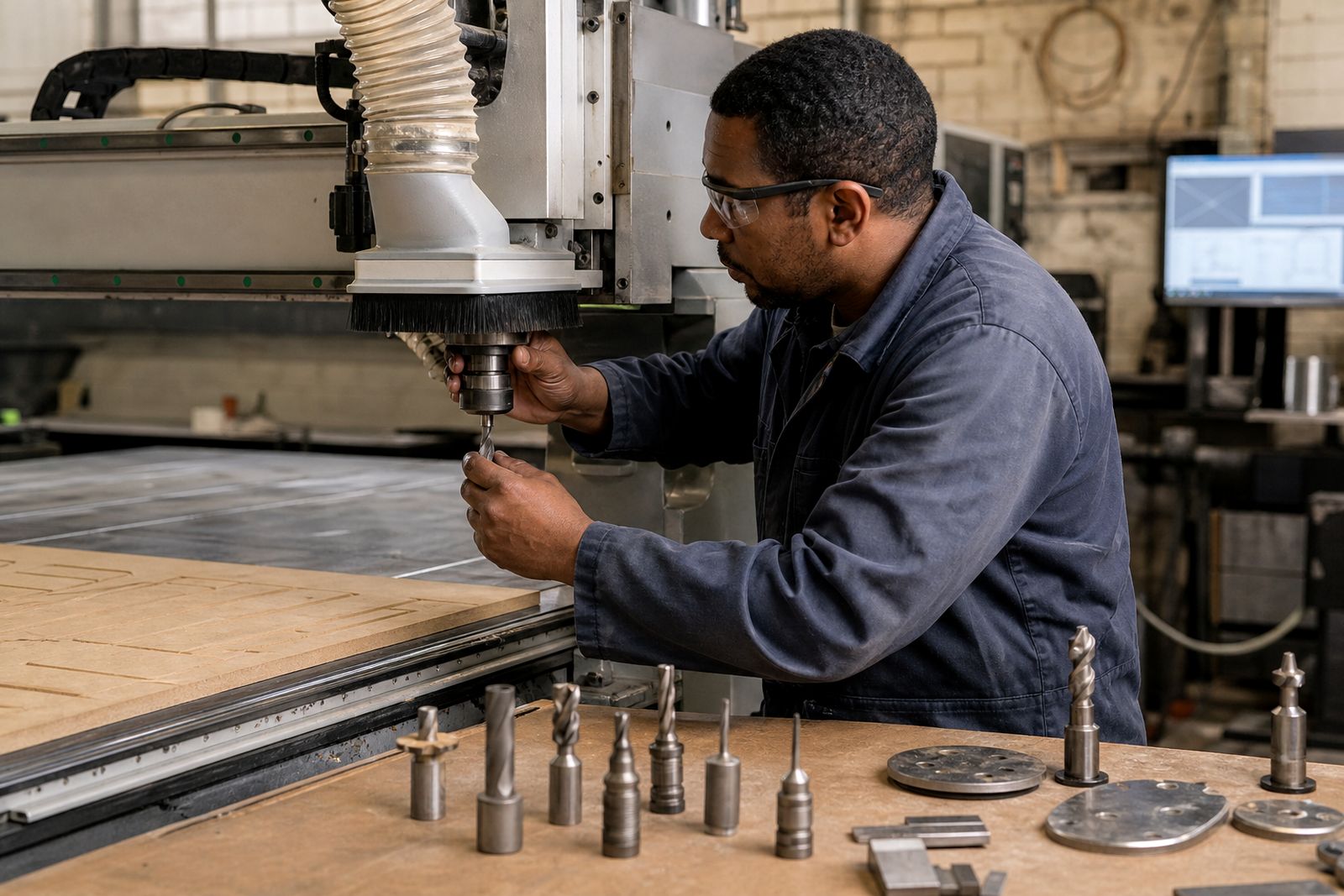
Parts supply in a real week
Parts Counter is for matching wear items and tooling to the correct machine and application.
Send the machine model, maker, and the worn part number first. Include what is being cut, sheet thickness, and whether the cell runs inland dust or coastal humidity. Johannesburg, Durban, and Cape Town sites often need different packing, corrosion checks, and stock choices for blades, belts, guides, and sensors.
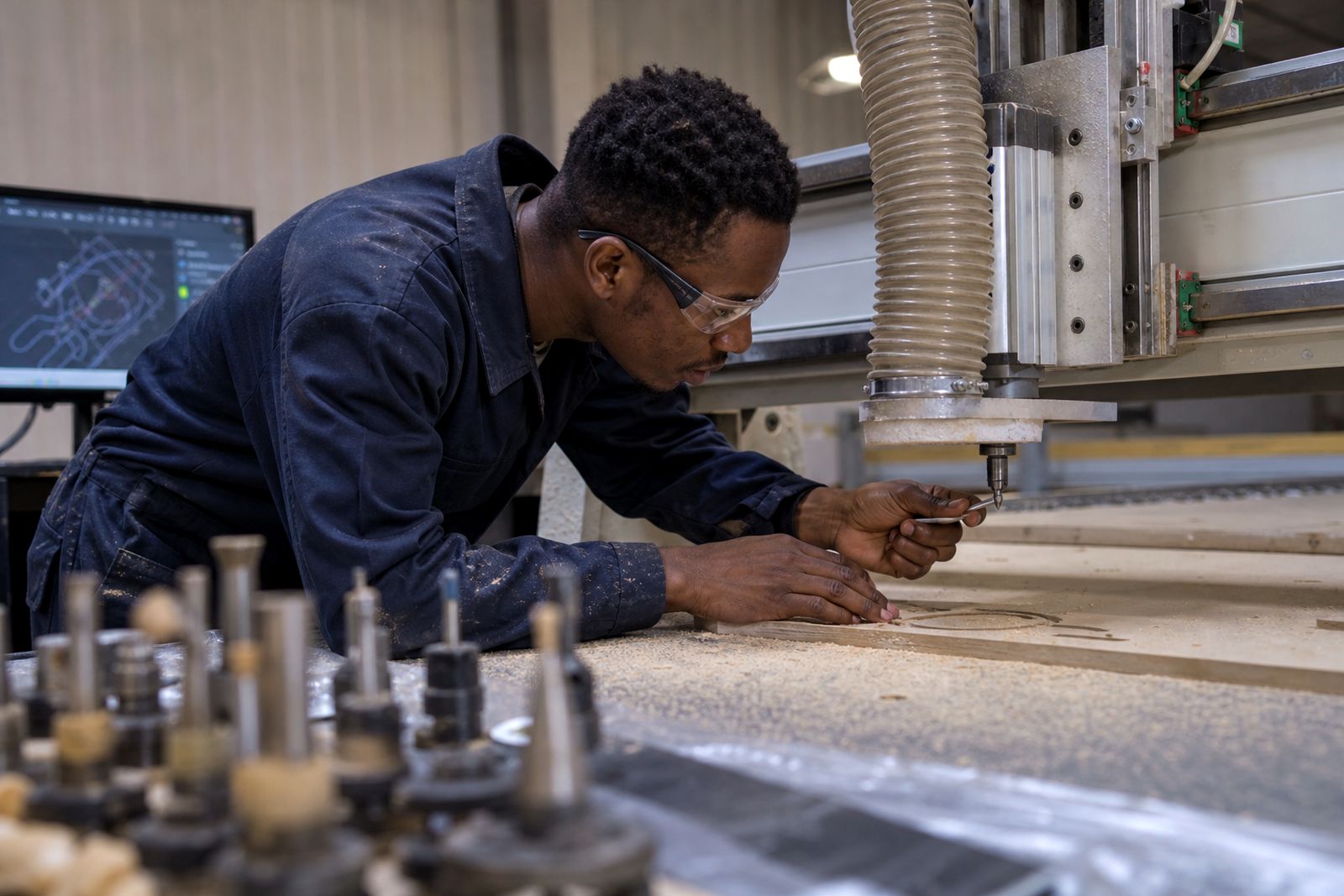
A clear photo of the fitted item helps more than a wide workshop shot. Add one image of the mounting face, one of the label or stamp, and one of the wear pattern if the part has failed in service. Those details help match handed parts, revisions, and small dimensional changes before anything is ordered.
Parts matched to machine details
The aim is to identify the exact consumable or tooling item, not a near match. You should finish with a part description that can be checked against the machine, the application, and the wear seen on site. Plain naming matters when buyers, fitters, and operators are all reading the same note.
Before requesting stock, compare the current item against the machine plate, holder type, and any marks on the worn component. Check blade length, bore, thickness, connector style, or sensor lead depending on the part.
- Machine model and serial checked
- Wear pattern shown in close photos
Stock questions under South African conditions
Parts identification here has to account for courier routes, plant shutdown windows, and machines that have seen mixed maintenance histories. Some sites carry old labels, faded plates, or swapped holders, so a nominal machine name is not enough on its own. A worn blade from a Kimberley or East London site may also show very different life from the same item in Gauteng.
Sea air can mark bright steel and fasteners if packaging is poor or stock sits open near the coast. Inland dust gets into guides, bearings, switches, and covers, which changes the wear picture when you are trying to identify the failed item. During power interruptions, it also helps to note whether the fault appeared on restart or while the machine was under load.
What to include with a parts query
Brief parts supply with site photos, machine details, worn item numbers and what is already down. Keep the subject line plain.
Write down the machine make, model, serial number, and any code printed on the old part. Add the cutting material, thickness range, and whether the item failed by chipping, heat, drift, or simple wear. This gives the Parts Counter enough detail to separate a consumable replacement from a tooling mismatch.
What our Cutting Tool customers say
Verified Google reviews
Also worth a look
Tell us what you cut and how you cut it
Send a note through our contact form with the material, thickness, machine and the edge problem you are seeing, and we will come back with practical options and a quote.
Open the contact form