
Cutting FAQ
Cutting FAQ gives plain answers to common questions about cutting cells, tooling and day-to-day running in the workshop.
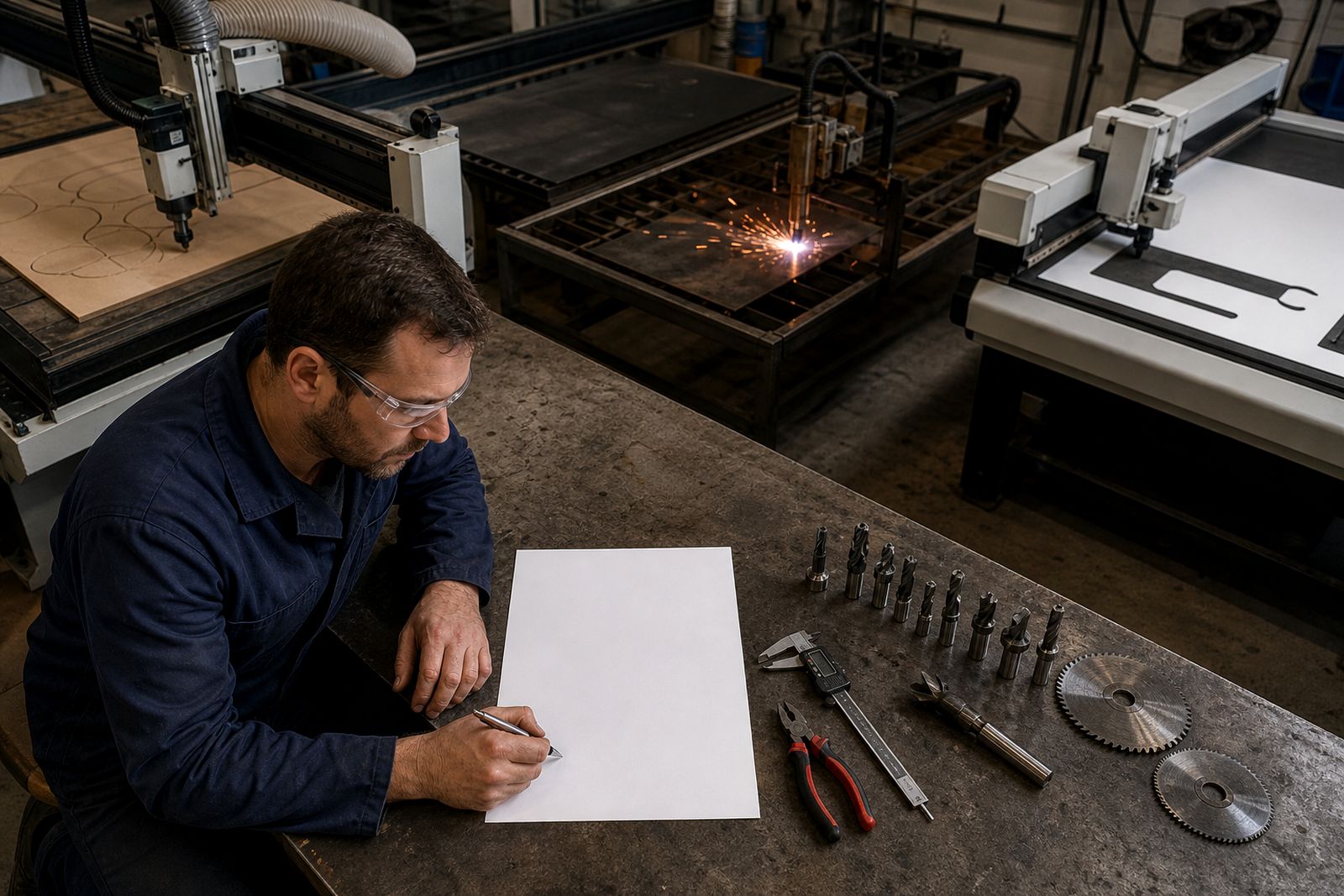
How the FAQ sheet helps
FAQ Floor is a plain-language sheet for workshop questions that come up around cutting cells, tooling and day-to-day running. It gives crews direct answers on the floor.
Begin with the material, the edge standard, and the machine conditions. Highveld dust, coastal humidity, power cuts, and collection cut-offs can change settings, consumable choice, and handling notes. The FAQ sheet is written around workshop conditions in Johannesburg, Durban, and Cape Town, where environment and timing affect the cut.
Write down the machine settings before anyone changes them or swaps consumables. The FAQ sheet is meant to sit near the cell or in the job file so operators can check the same note during a restart. That shared reference cuts down mixed messages about blade condition, tool position, and the last acceptable edge.
Answers crews can use
A short working note for common workshop questions around cutting cells and tooling. It is built for checks that happen during production, such as confirming material orientation, verifying tool fitment, and checking whether the defect started after a changeover. Plain wording matters when the same sheet is read by operators, buyers, and maintenance staff.
- Machine, material, and fault named clearly
- Photos taken before settings are changed
Workshop conditions affecting answers
A FAQ note for a Gauteng shop may not read the same as one for the coast. Air moisture, dust build-up, storage conditions, and power interruptions can change how a cut presents and how tooling wears. Mention whether the line is in production, being set up, or standing for maintenance.
Older machines often need extra detail about guides, clamps, sensor fouling, and repeatability between runs. Imported sheet and board can also vary lot to lot, so it helps to state whether the defect appeared with a new batch. If a courier collection or warehouse handover affects when samples move, include that as part of the note.
Keeping the sheet with the job
Send the FAQ floor query with site photos, timing, and the problem already on the machine. Use a subject line that names the machine, material or fault.
Keep this sheet with the machine record while the tooling, material, and fault details are still accurate. It helps when a buyer, setter, or supervisor needs the same answer later without retelling the full job. Use it alongside the project record and resources page to track how the specification question was handled.
What our Cutting Tool customers say
Verified Google reviews
Also worth a look
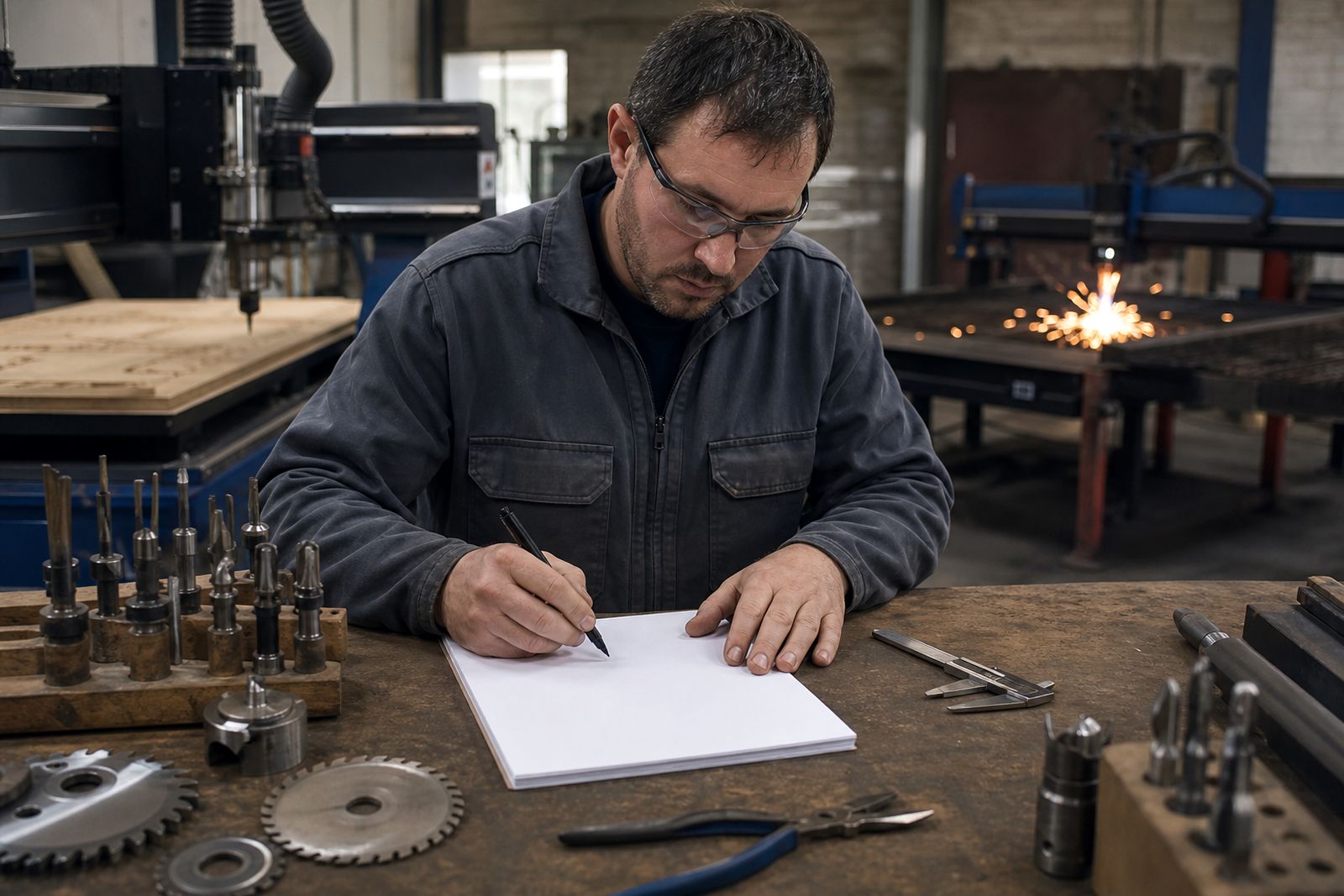
Tell us what you cut and how you cut it
Send a note through our contact form with the material, thickness, machine and the edge problem you are seeing, and we will come back with practical options and a quote.
Open the contact form